Sales rep app -
tools for on-the-go sales
Designing new features and iterating existing ones for the core CRM's team app.



Company
Choco - Digitialising the food industry
Role
Lead Product Designer partnering with Mobile and Backend Engineering together with Product to extend the app with key features empowering Sales reps for more efficient selling.
Duration
Jan – April 2025 · 3 initiatives, phased releases
Challenges
Sales reps are mostly on the road visiting customers and therefore work on their phones. Their use of desktop is limited to the weekly office visit or happens after-hours when they're back at home.
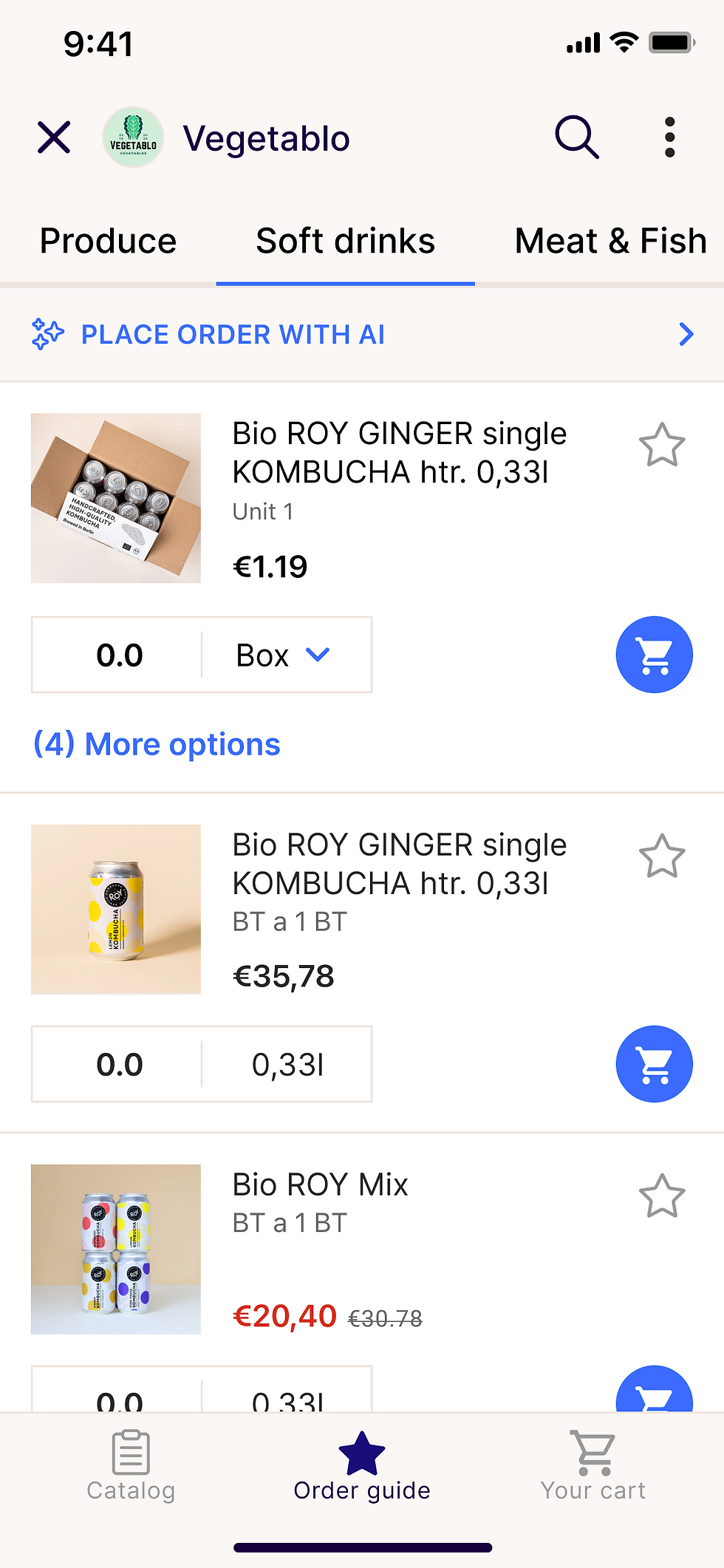
Working in the car calls for optimised workflows leveraging the use of AI where it can benefit the most, e.g. placing orders for customers.


Approach
User problems
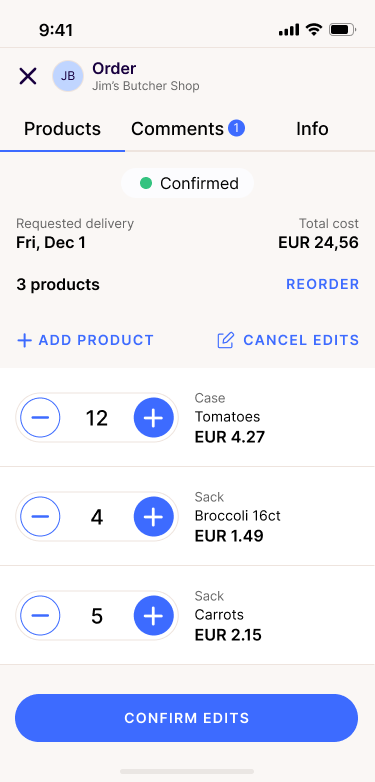
Sales reps had no way to fix a mistake on an already-placed order without cancelling it.
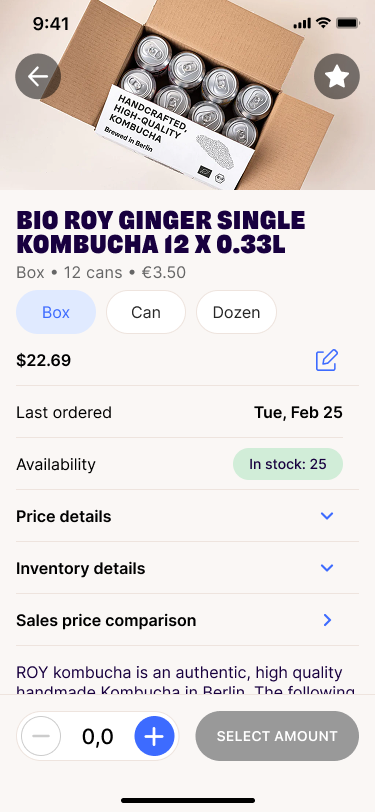
Product detail pages of the products they sold to their customers didn't surface the pricing and order-history context reps needed in the field.
Placing an order still required manual data entry even when a rep's hands were full on the road.
Goals
-
Enable sales reps to edit orders directly without cancelling and re-placing them.
-
Surface sales-relevant data: current price, last order/sale info, GP% margins directly on the product detail page without cluttering the interface.
-
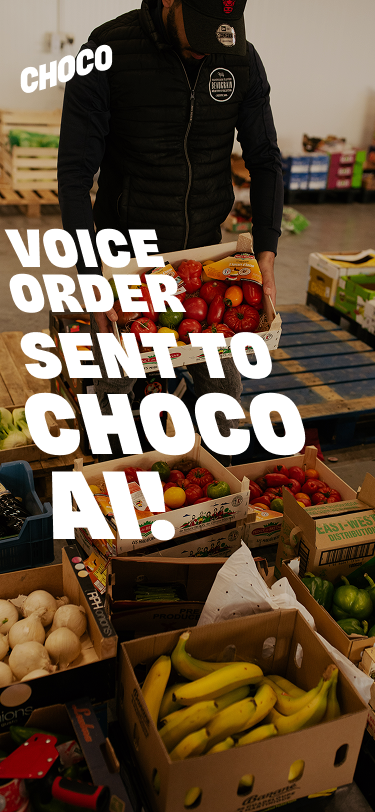
Enable reps to place an order hands-free via a voice note or a photo.
Process
-
Weighed build tradeoffs early: reused the existing catalogue page vs. building a new package for order edits.
-
Descoped deliberately to protect timelines: removed search and unit editing from Order Edits V1 and simplified order placement to single photo capture before expanding to multiple images.
-
Validated product detail page data points directly with sales reps before building, then adjusted layout when live testing showed it broke for distributors with sparse product data
-
Ran a dedicated retro after Order Edits shipped to feed team processes learnings into the next two initiatives
Design principles
-
Build incrementally: split each initiative into a minimal V1 and iterate in consecutive releases
-
Validate design using real data: test against actual, both sparse and packed, distributor data
-
Reduce friction for hands-busy reps: let AI infer buyer/product details from a voice note or photo
-
Reuse before rebuilding: prioritise existing components where it doesn't compromise clarity to keep scope small.
Key design decisions
-
Shipped Order Edits in two iterations: added quantity changes directly on Order Details first, then added a separate Add Product flow.
-
Redesigned the Product Detail Page to surface Current Sale pricing first, with Last Sale and Last-order-date added as iterations based on effort and priority.
-
Keep relevant information for the Product Detail Page upfront with expandable sections for additional data.
-
Designed voice AI features in a transparent manner, always displaying what had been recorded


Results
Order Edits shipped to production increasing Sales reps mobile adoption by 15% before release
Product Detail Page iterations shipped to 100% of Distributor's and Buyers alike aligning product component and reducing engineering overhead for the following two initiatives.
Placing an order via an image or voice note decreased human errors for manually inputted orders by 10%
Established a repeatable phased-release pattern from discovery to delivery and bug bashing reused across all three initiatives.